+86-13926505109
 info@aiotomni.com
- Contact Us
-
Omni Intelligent Technology Co., Ltd.
Tel:(+86)755-89208216
Fax: (+86)755-89208219
Add: Floor 11,building 31,Phase 3,Lianchuang Tech Park,No.21 Bulan Road, Longgang District, Shenzhen, P.R.China.
If you have any question,Please contact us,we will give you the best service! Contact Now
- Hot Product
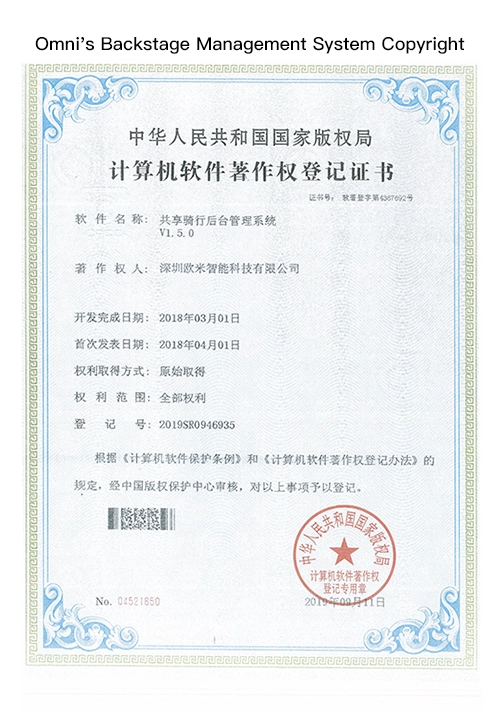
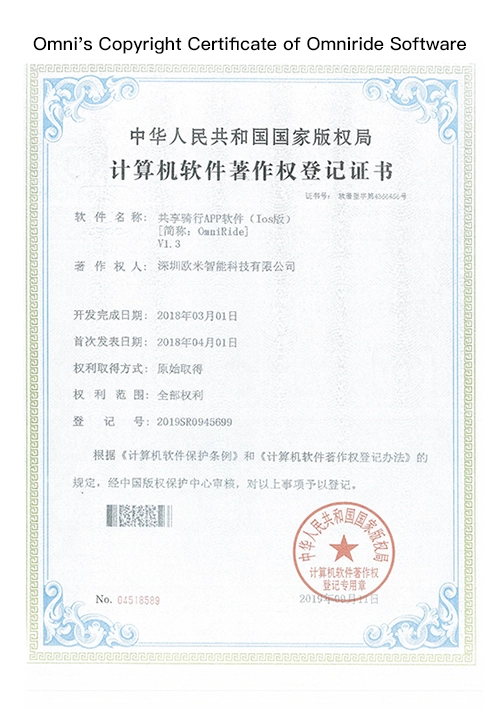
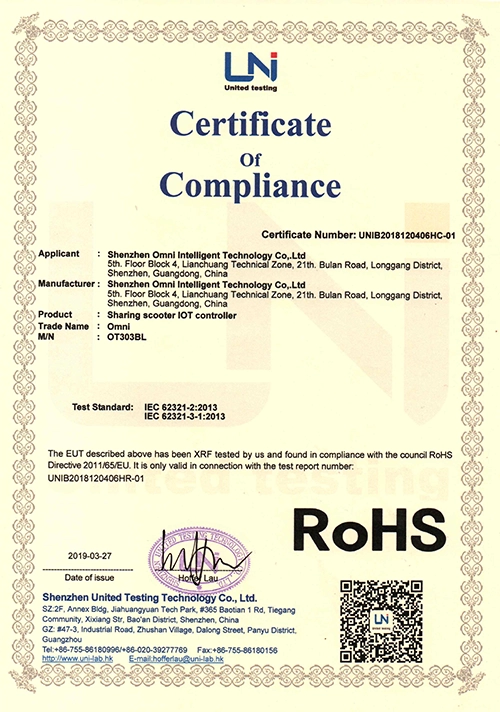
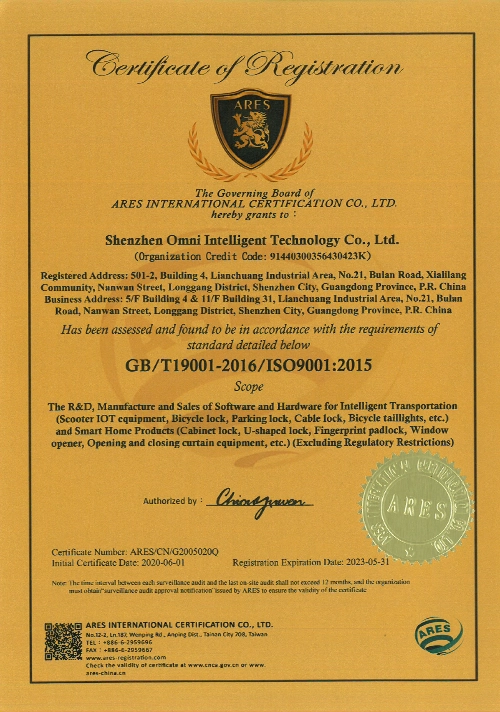
- Certifications
-
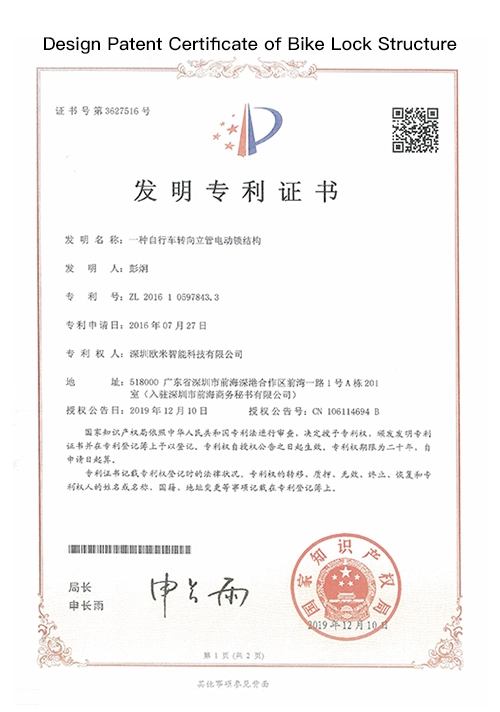
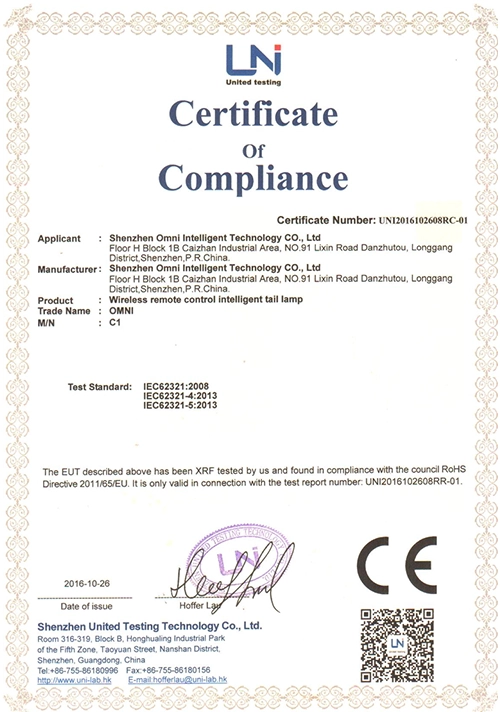
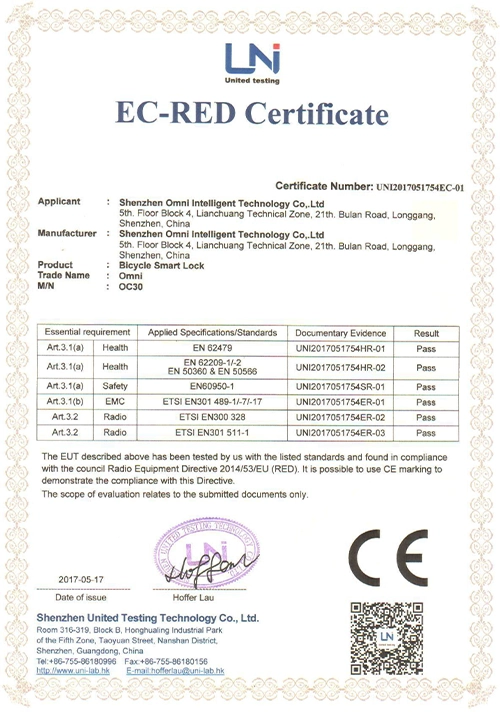
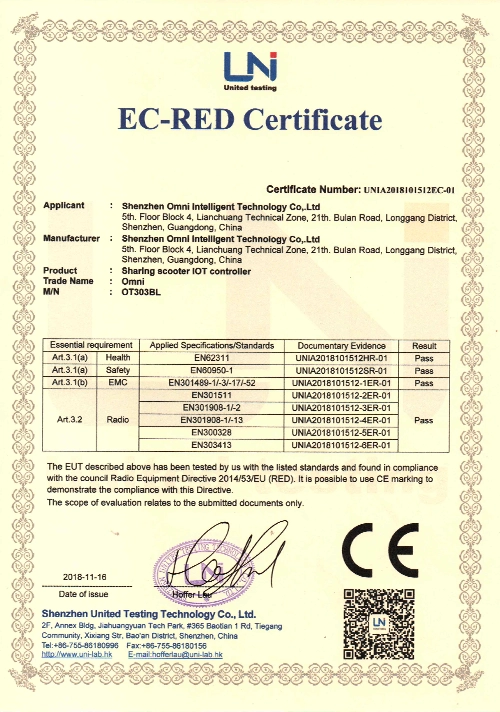
- Subscribe
-
Get email updates on new products
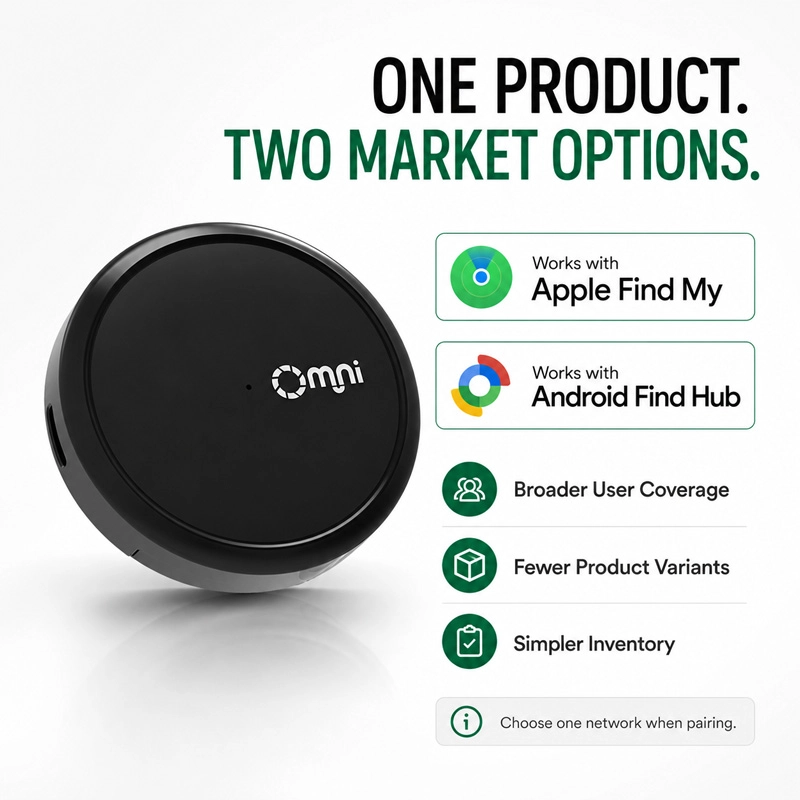

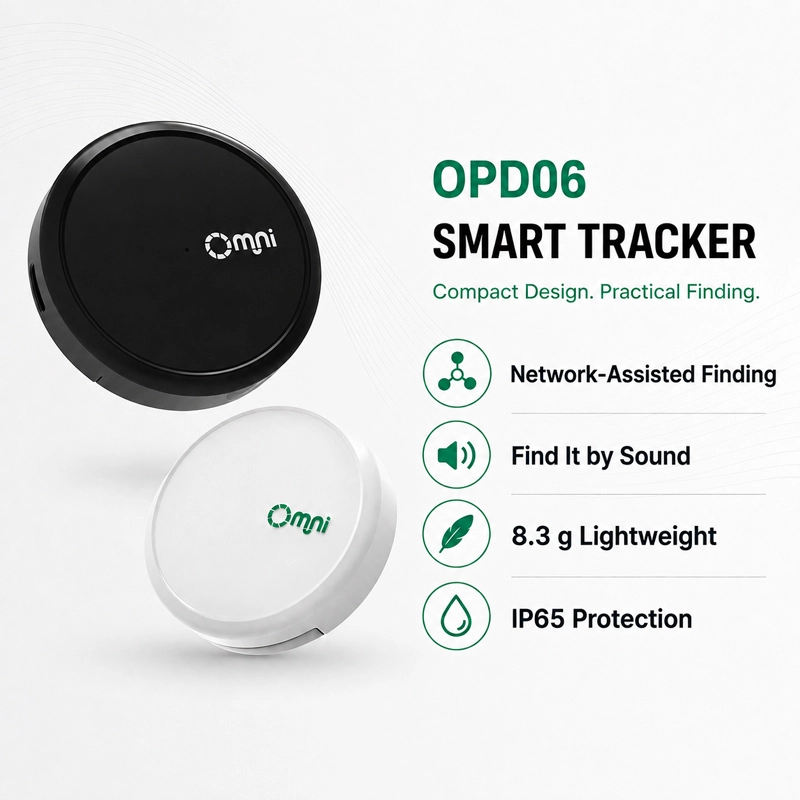
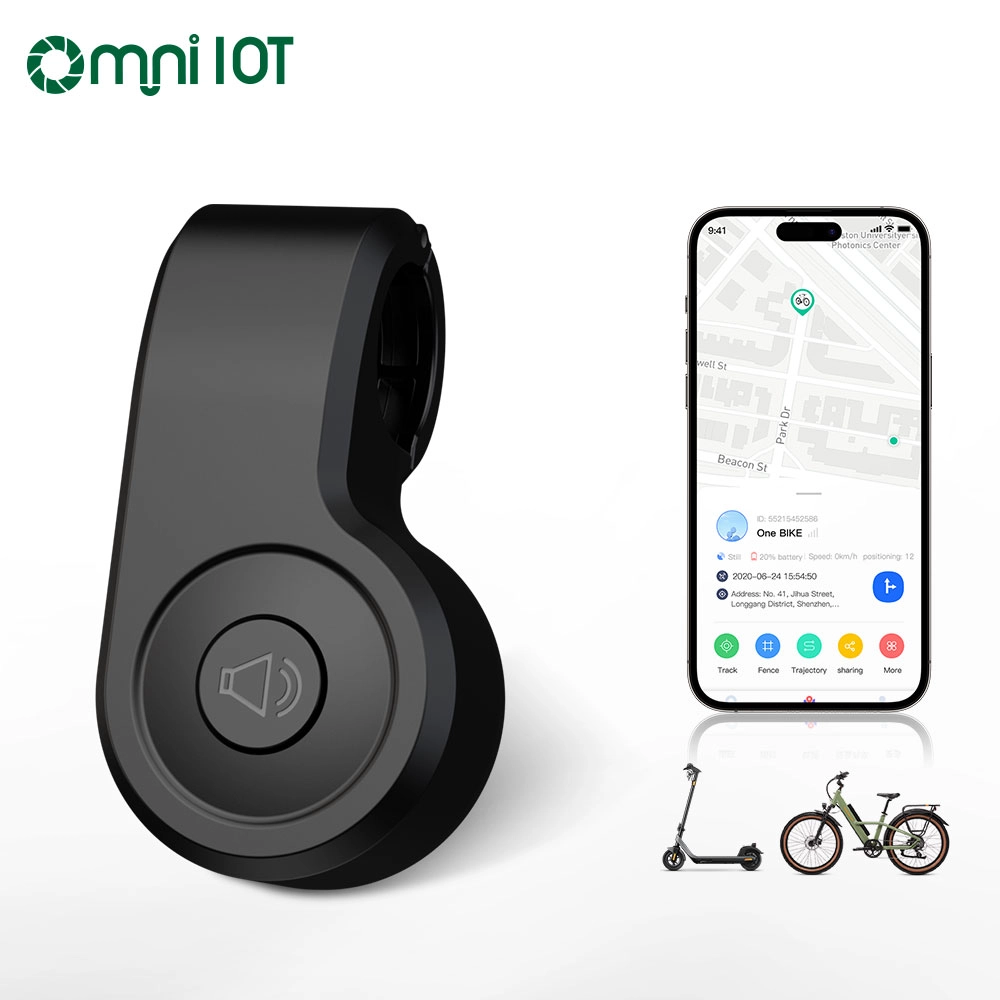
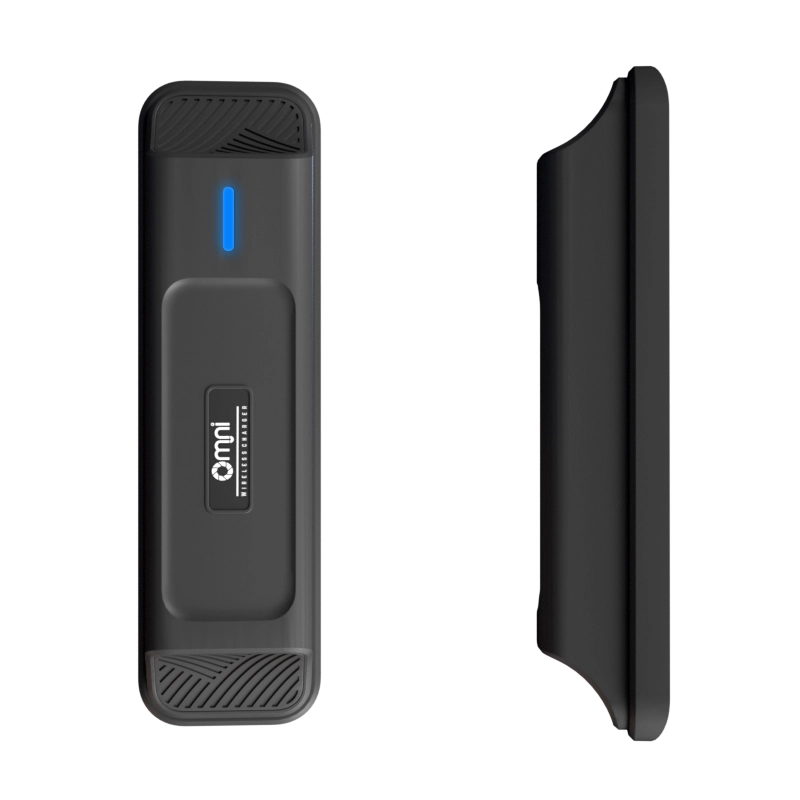
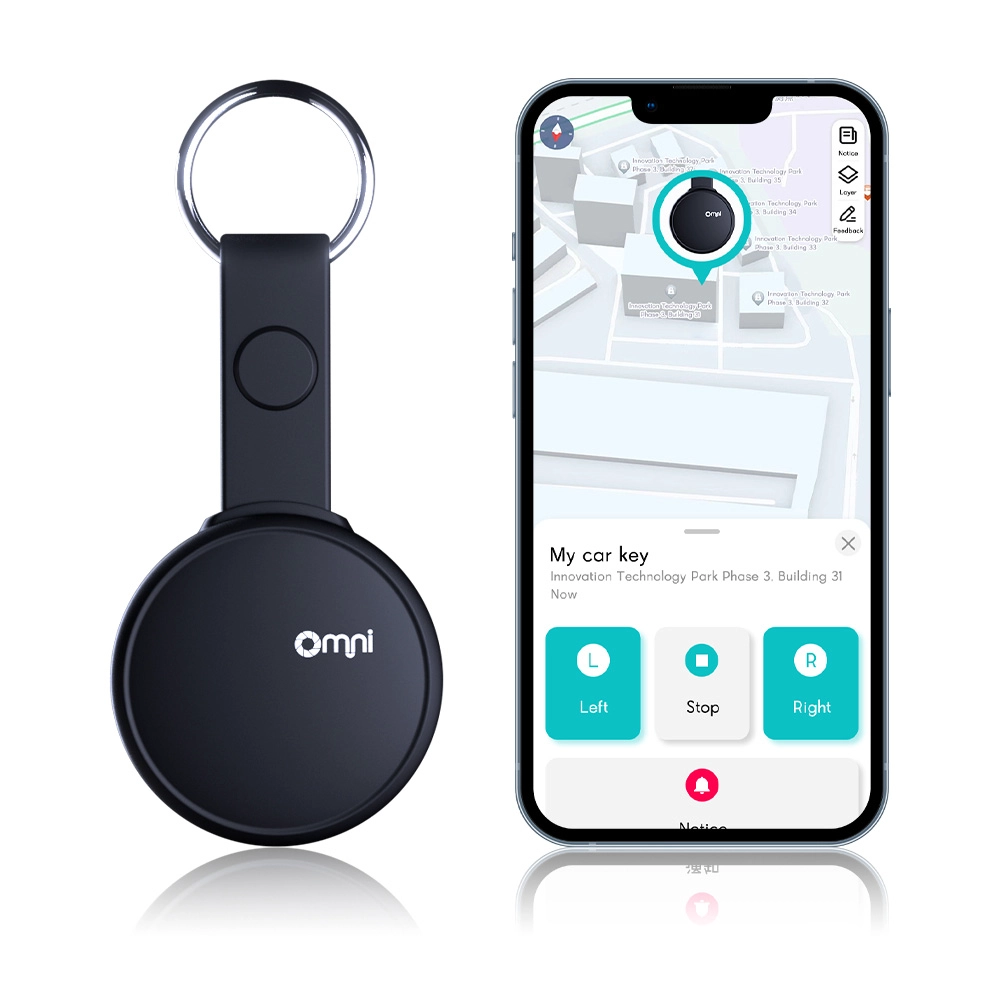
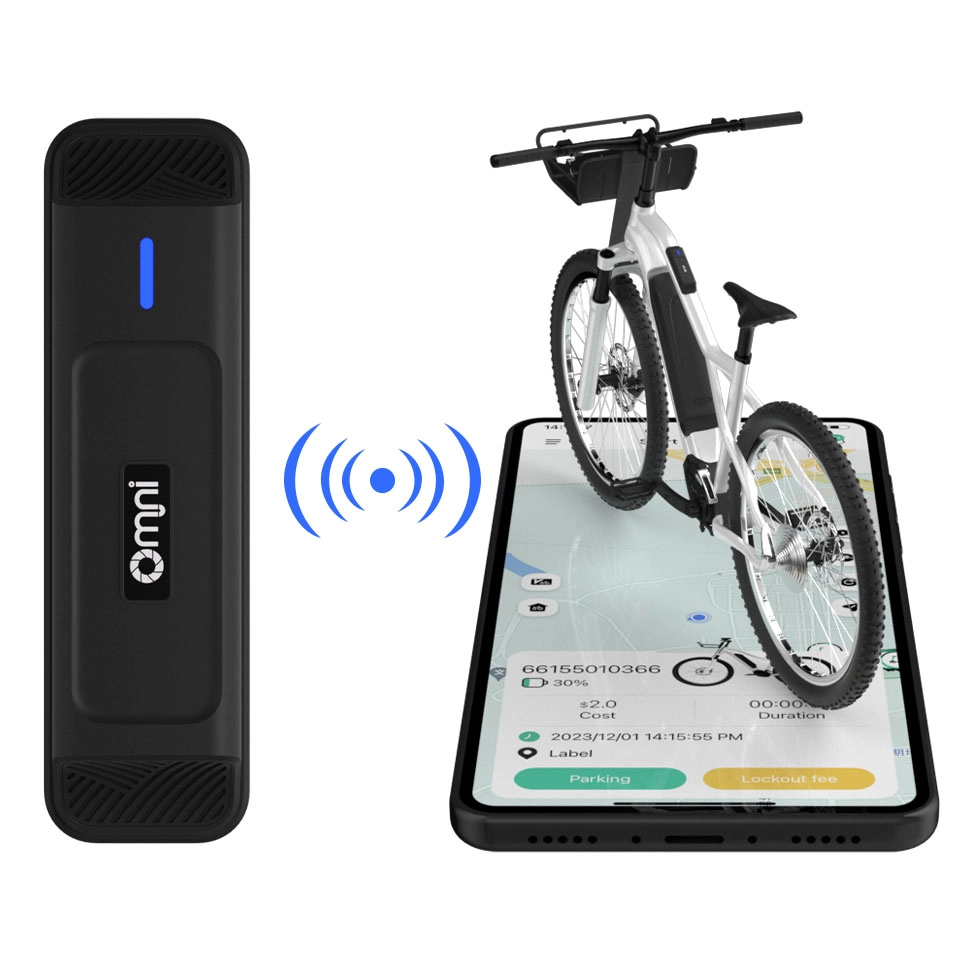
Bluetooth Locator Compatible with Apple Find My and Google Find Hub
- Product: Bluetooth locator
- Brand: OMNI
- For wholesale,customized
- Long durability and connectivity
- Easily find nearby and find far away
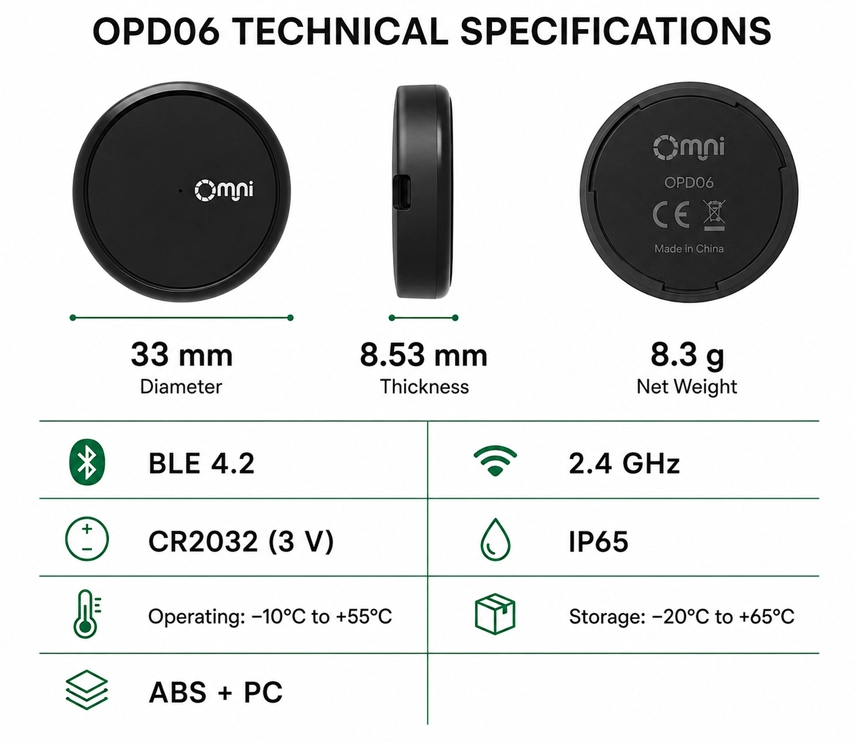
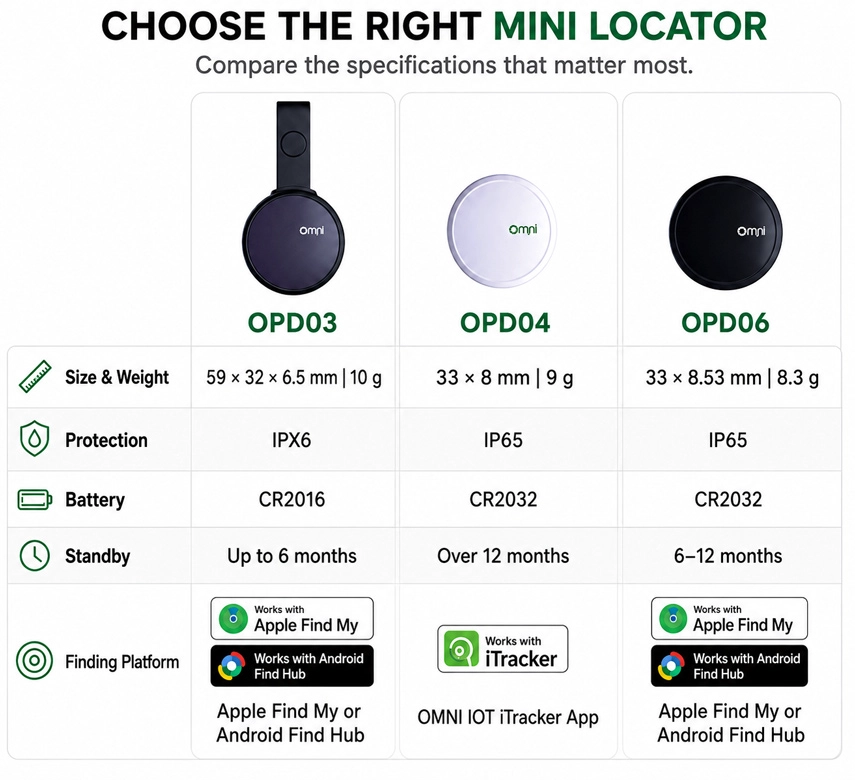
- Replaceable battery and IP65 waterproof
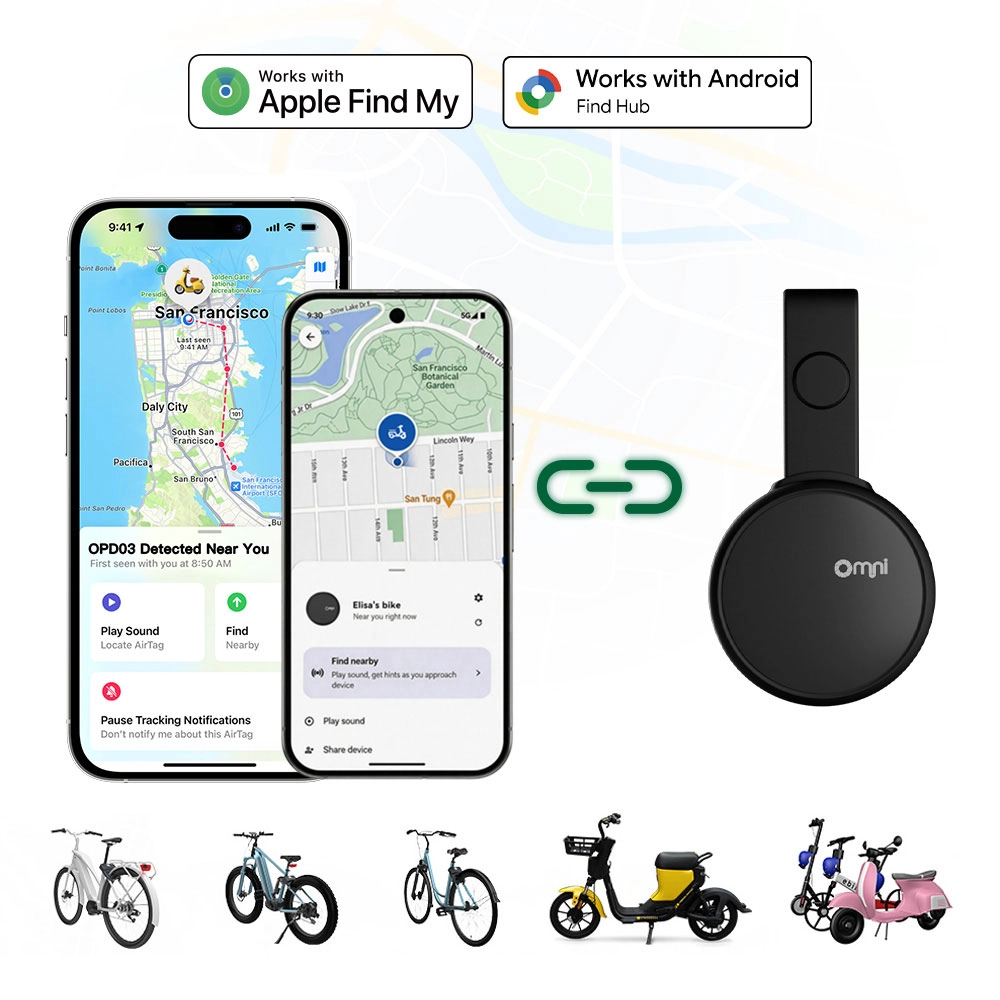
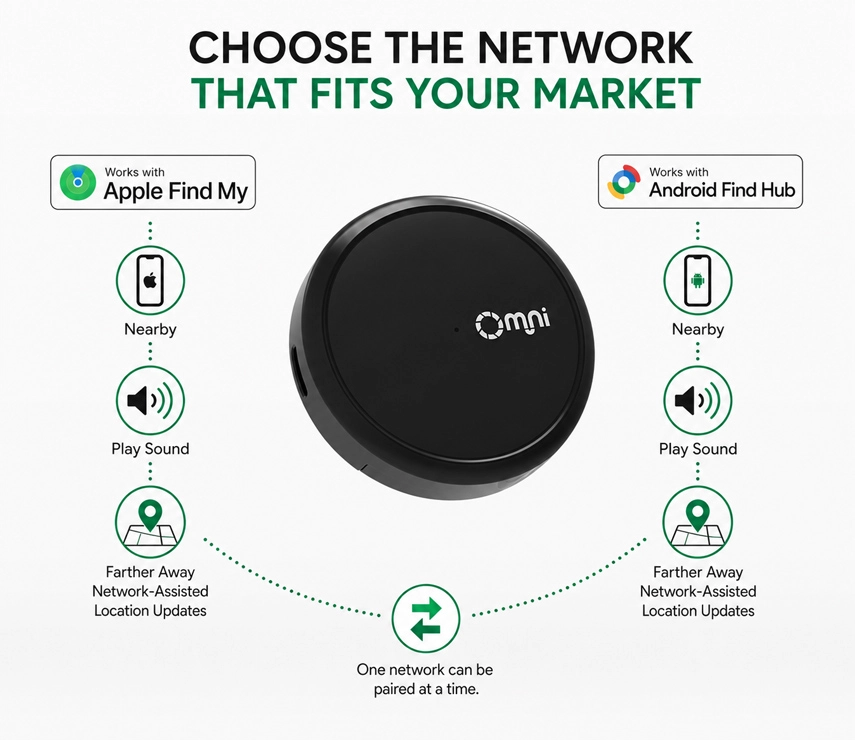
- Works with Apple Find My and Google Find Hub
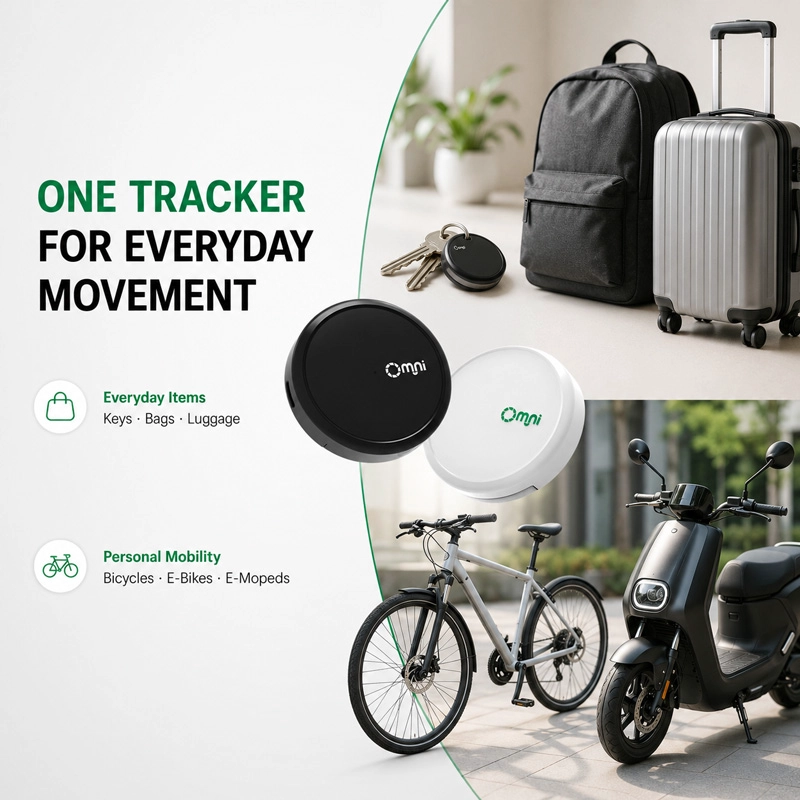
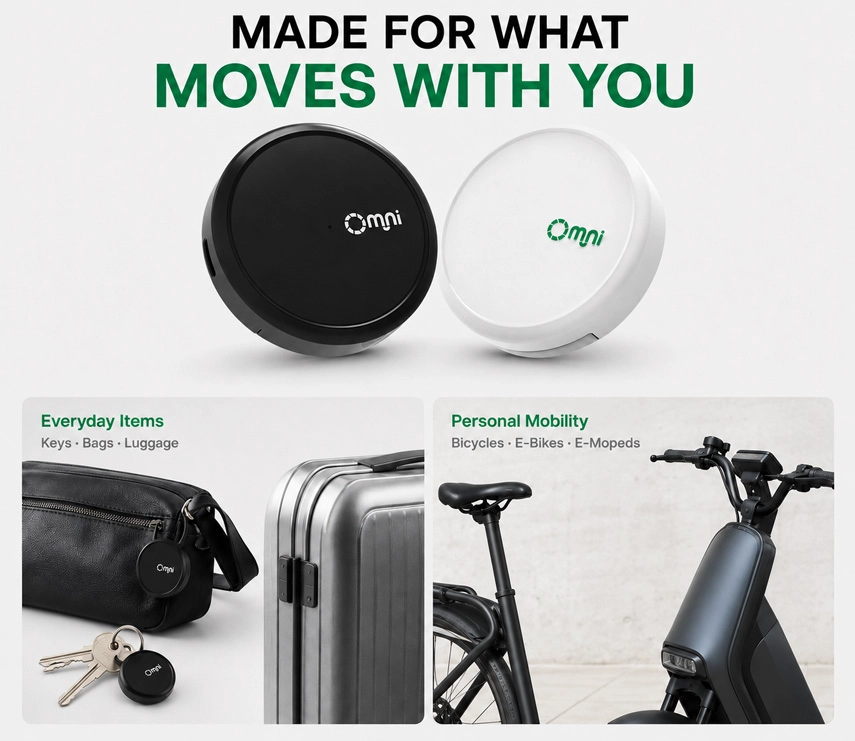
IP65 Waterproof Bluetooth Locator for Two-wheelers,Keys,Suitcase,Bag,Wallet and More
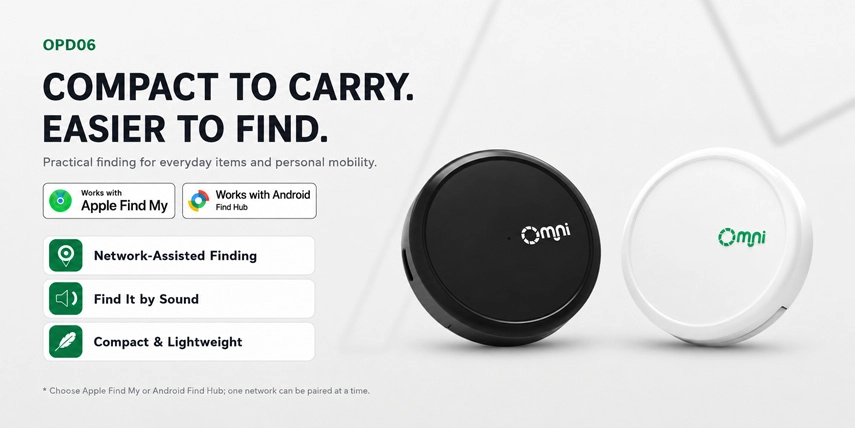
The Features of OMNI Bluetooth Finder
✅EASILY LOCATE ITEM
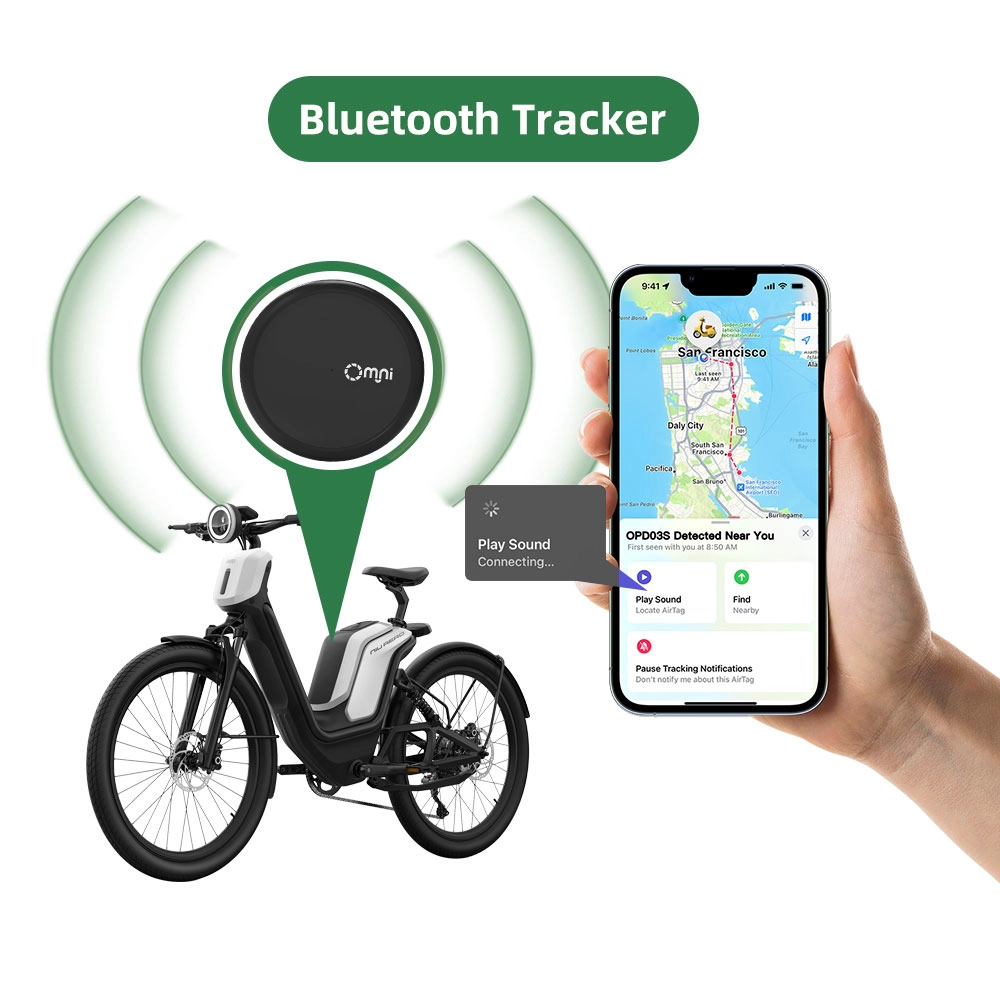
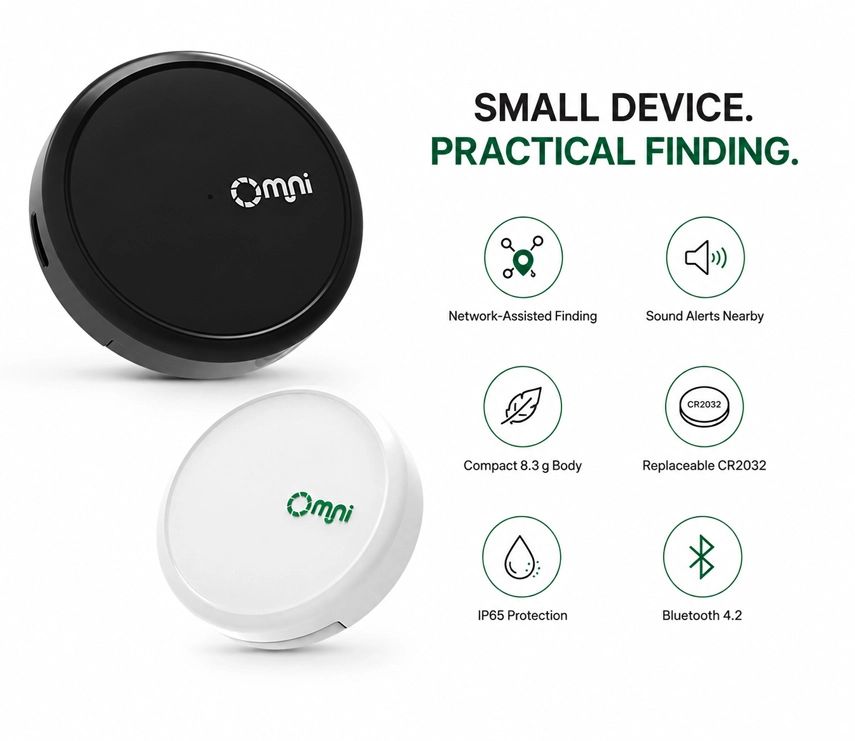
OMNI luggage tracker that can easily locate users' item by apple ''Find My'' app or Google Find Hub activate sounds when it's within Bluetooth Range or check recent location with the help of hundreds of millions of Apple devices in ''Find My'' network.
✅SENDING ALERTS
Equipped with acceleration sensors,buzzers.Users can set the buzzer as per own needs.
✅LEFT BEHIND REMIND
Users CAN attach this apple licensed tracker tags to anything users need to keep an eye on. When people's belonging is left beyond the Bluetooth range, the item locator will send them a reminder within 10 mins (turn on the notification setting in advance) so people can go back and retrieve it.
✅BUILT-IN LANYARD HOLE
The item finder features an integrated lanyard hole for easy attachment to keys, bags and other everyday essentials. No additional holder is required.
✅REPLACEABLE BATTERY
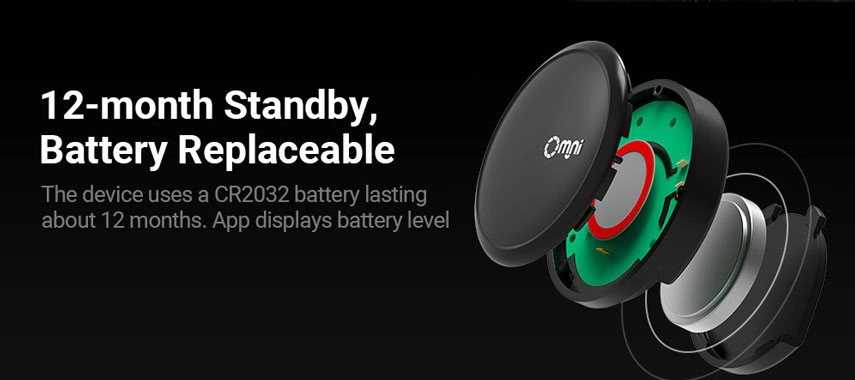
The battery (CR2032) for this Bluetooth locator can lasts up to 12 months. The long battery life makes sure the item tracking tag is always active to help users locate their items.
✅ONE-MINUTE SETUP
Setting up and using OMNI Bluetooth locator is simple. Take Apple Find My as an example: open ''Find My'' Apps and bluetooth, tap ''Add Item'' and ''Other Supported Item'', and then the pairing will be compeleted within 30 seconds.
✅IP65 Waterproof and Dustproof
The Bluetooth locator keeps working in rainy days.


Disabling the OMNI Bluetooth Locator
The OMNI Bluetooth locator can be disabled to stop it from sharing its location. Once disabled, it will no longer report to Google’s Find Hub network or Apple’s Find My network, and the owner will no longer receive updates on its current location. It will also stop triggering unknown tracker alerts. If you receive a notification on your Android or iOS device indicating that an OMNI mini tracker has been detected nearby and you are unfamiliar with this device, you can make it ring through the system notification. After locating the device, follow the steps below to disable it.
Disable via Button Press:
- Locate the button on your OMNI mini tracker.
- Press and hold the button for about 5 seconds. You will hear three confirmation beeps when succeed.
Disable via Battery Removal:
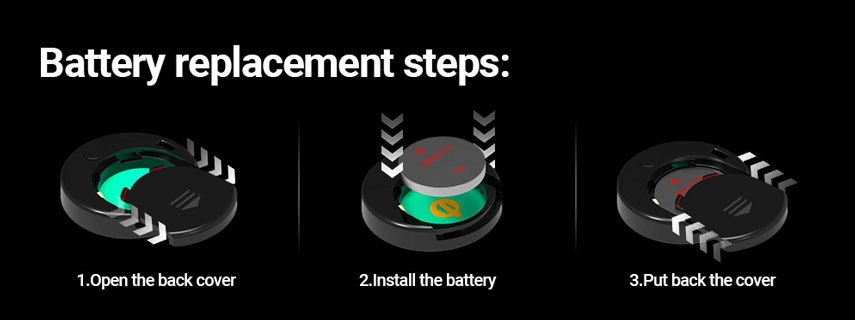
- Push the back cover of the OMNI mini tracker in the direction indicated to slide it open.
- Remove the CR2032 coin battery from the battery compartment.
- After the battery is removed, the OMNI mini tracker will stop reporting its location.
- Align the cover with the device and slide it back into place to close the device.
Re - enable the OMNI Bluetooth Locator:
To re - enable the OMNI mini tracker, either press the button or reinstall the battery.
Press the Button:
Press the button for one second. When re - enabled, you will hear a confirmation beep.
Replace the Battery:
If you removed the battery, place a new CR2032 coin battery inside with the positive side up, and close the device.
Factory Reset and Pairing:
To reset the OMNI mini tracker to factory settings, press the button three times quickly and hold the forth time for one second. After you hear a long beep, release the button. After resetting, you can pair the OMNI mini tracker with a new Google or Apple account.
Important Notes:
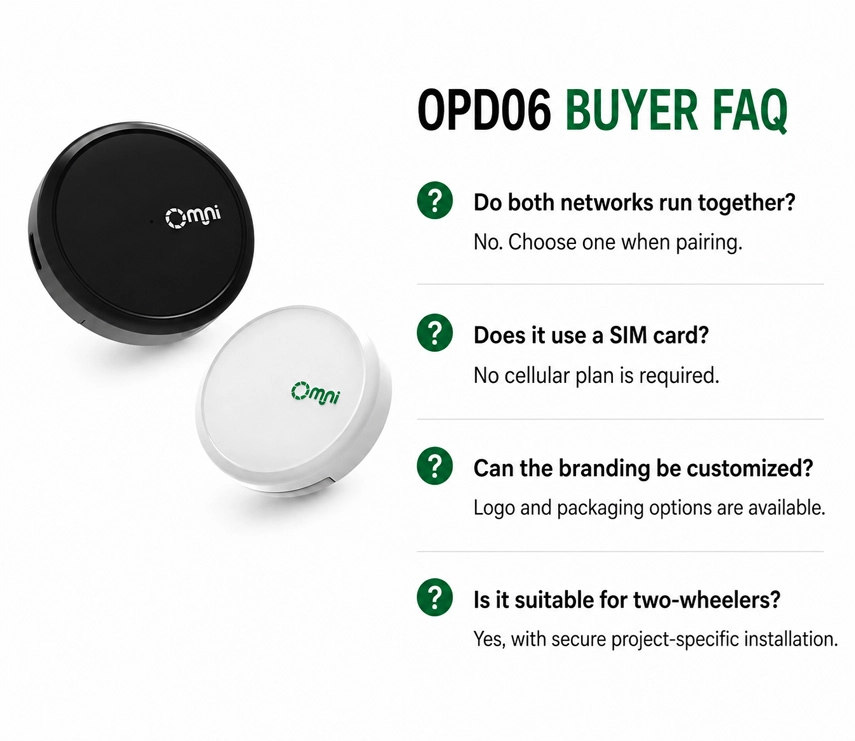
- When the OMNI mini tracker is paired with an Android device, it operates as a Google Find Hub locator tag. If paired with an iOS device, it functions as an Apple Find My locator tag.
- For pairing, ensure Bluetooth is enabled on your device and that it has internet access. To activate the OMNI mini tracker, press the button once, and you will hear a melody confirming activation.
- You can remove the OMNI mini tracker from either the Google Find Hub app on Android or the Find My app on iOS. If it’s within Bluetooth range, a factory reset will automatically occur upon removal from the app. If out of range, perform a manual factory reset.

Tel:+8619926827775
Wechat:omni-iot
Contact Person:Miki Tam
- Other Products